DiskFrend · Overview
The whole drive, on one screen.
One scan, and you see how full the disk is and of what, what is safe to clear, and what is worth a look. Every row opens into a detail list you can stage for Cleanup.
$9 once · Overview comes with every other room
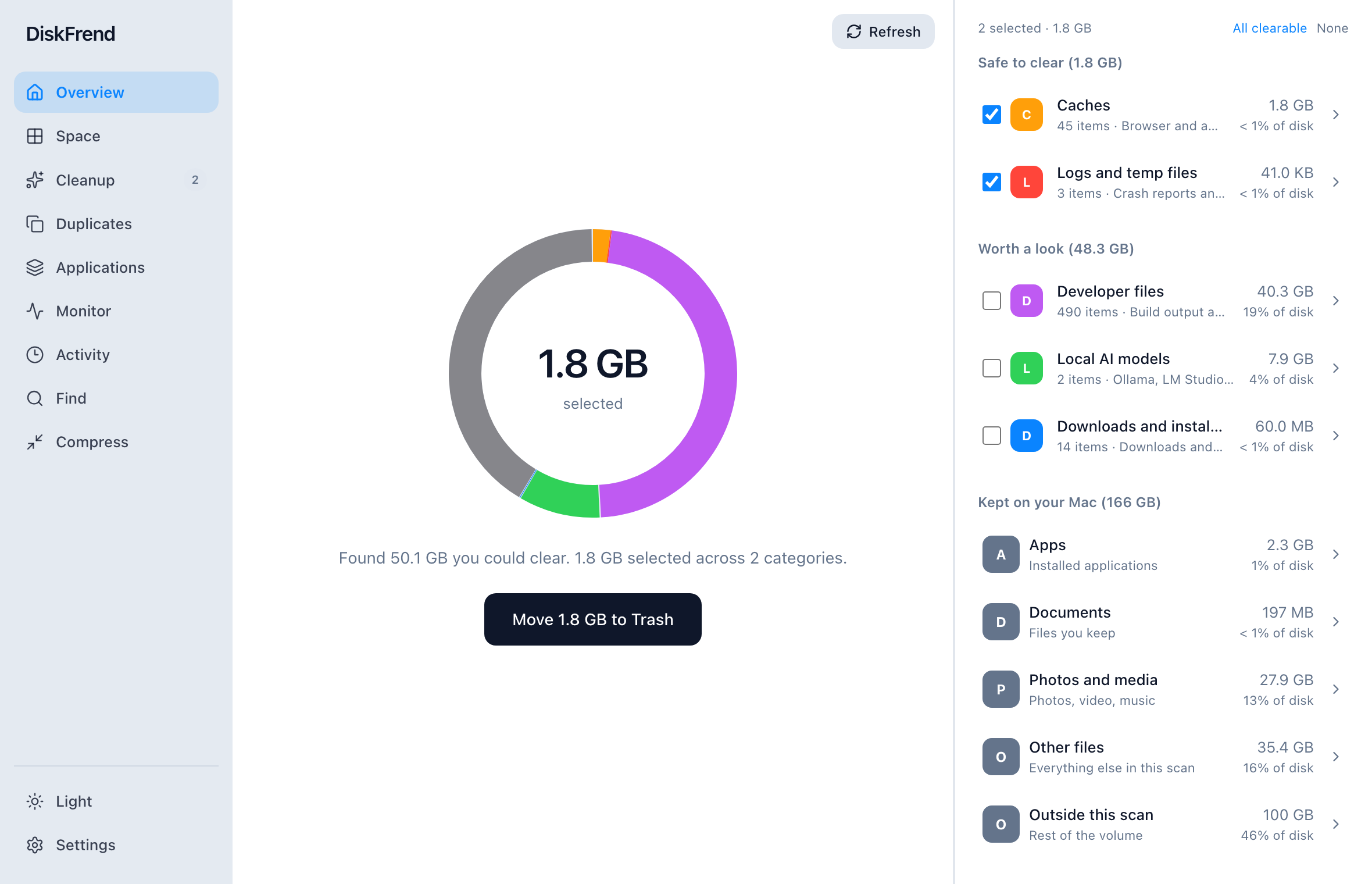
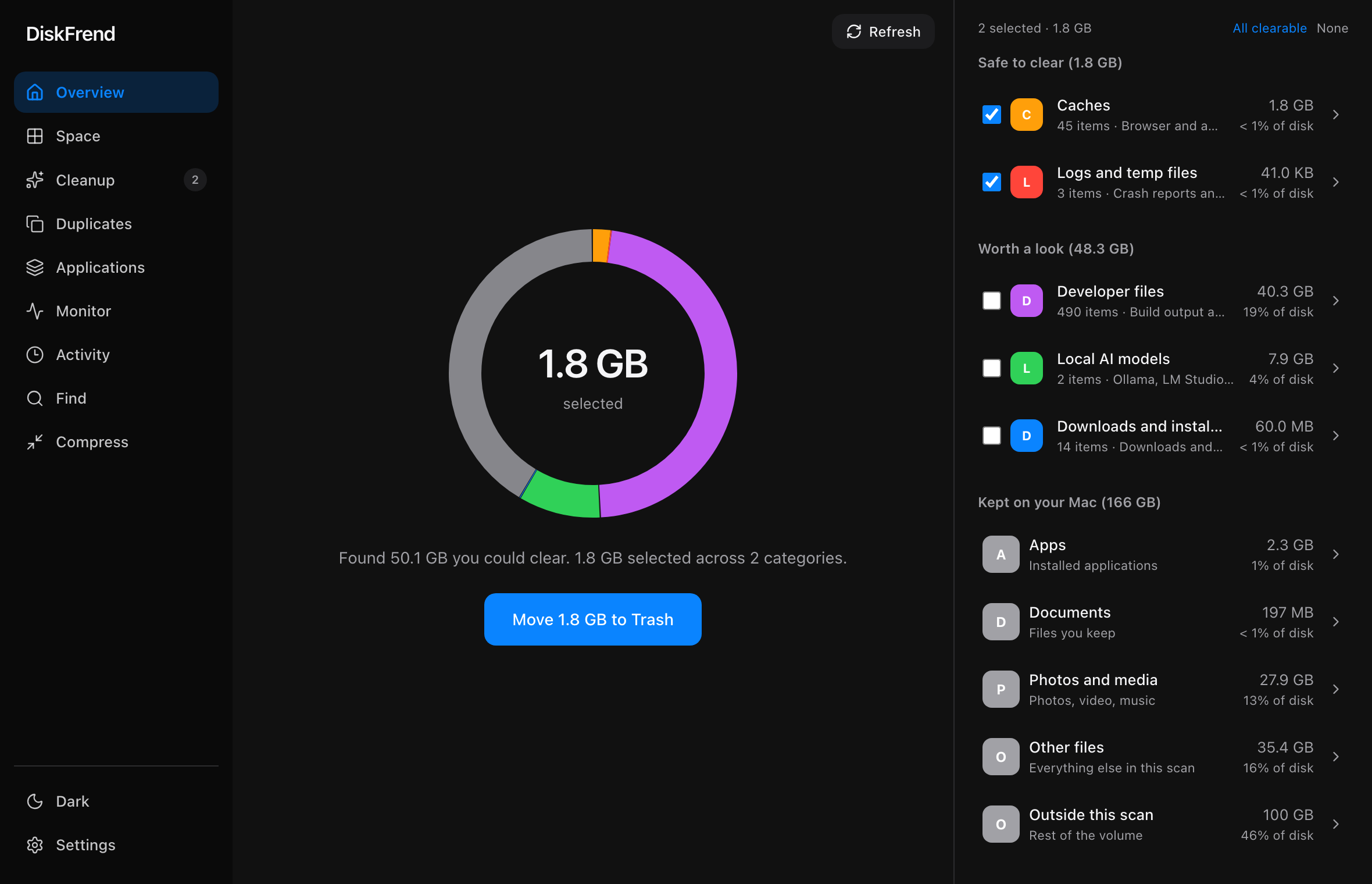
Grey is what you keep. Colour is what you could clear.
The ring is your disk, split by what fills it. What you need fades back; caches, build files, old installers and the rest stay lit, with the total ready to clear in the middle.
Safe to clear, worth a look.
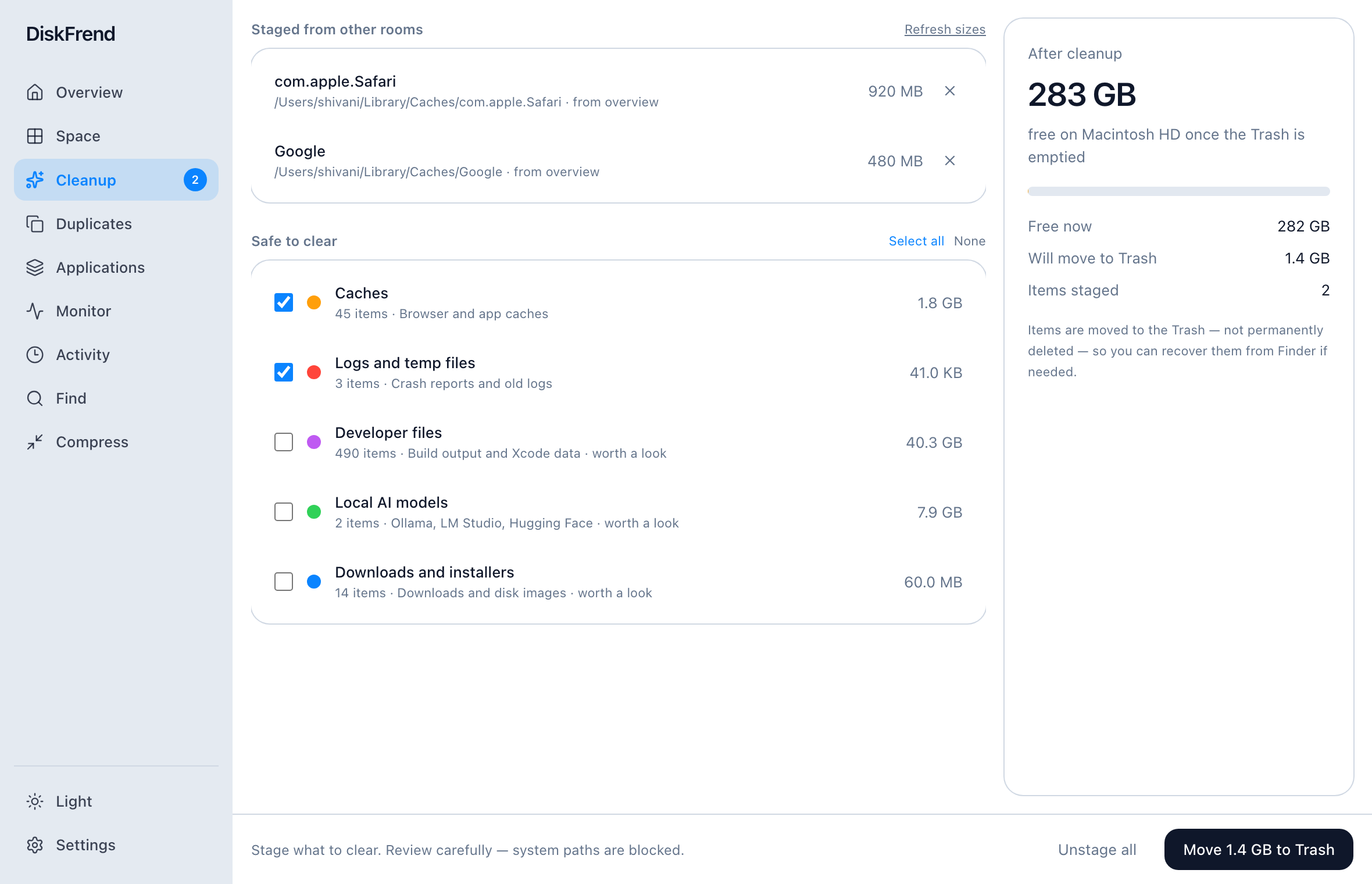
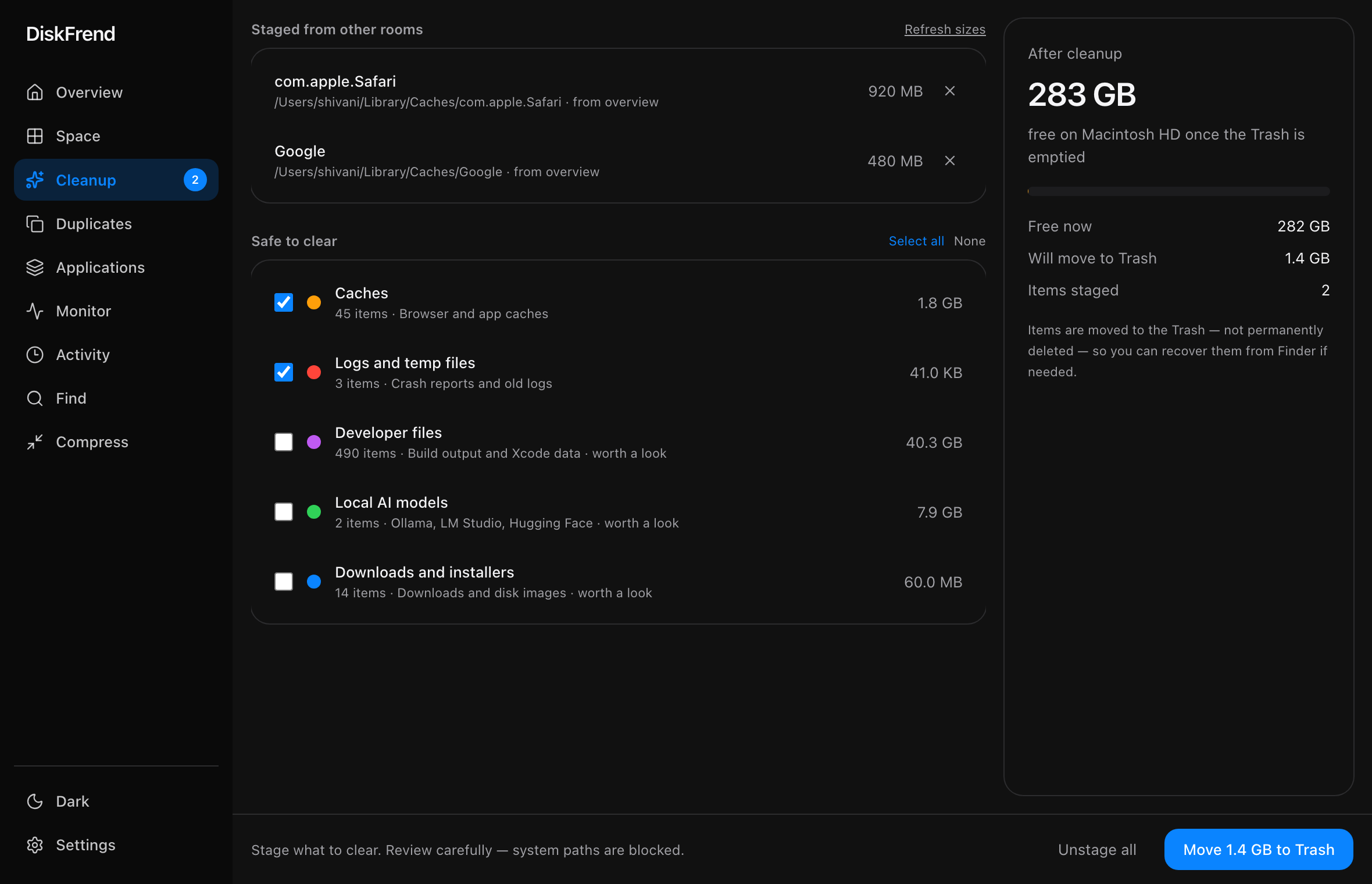
Things apps rebuild on their own are ready to stage. Real files you may still want — downloads, developer folders, local AI models — sit apart so you decide on each one.
Drill into any category.
Open Caches, Developer files, or Downloads to see every path with a size, check what to stage, or reveal it in Finder — then send checked items to Cleanup.
Questions about Overview
How long does a scan take? +
A Home folder scan is usually a few seconds on Apple silicon. A fuller Library with millions of files takes longer, but progress stays on screen.
Does DiskFrend need Full Disk Access? +
It works without it, but macOS hides some Library folders until you grant it. Overview shows whether access looks granted and can open the right Settings pane.
Does the scan upload anything? +
No. Scanning happens entirely on your Mac. No file names, paths, or sizes leave the machine.
One of nine rooms.
Every room comes with every copy of DiskFrend.